
Stop Windows Vista Update Reboot Prompt
By: Arie SlobIf you have set Windows Update to install updates automatically, you'll have experienced one of the inconveniences of windows update: a number of updates will require you to reboot your computer. Of course this always seems to happen when you are busy & have no intention of stopping your current task just to reboot windows.
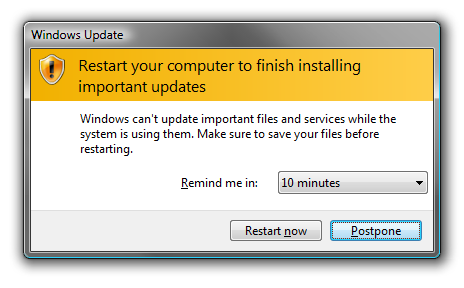
But you can also disable the restart prompt from Windows Update altogether when a user is logged in:
- Start the Registry Editor
- Go to HKEY_LOCAL_MACHINE \ SOFTWARE \ Policies \ Microsoft \ Windows \ WindowsUpdate \ AU
- From the menu, select Edit > New > DWORD (32-bit) Value
- Name the new value NoAutoRebootWithLoggedOnUsers
- Double-click the value NoAutoRebootWithLoggedOnUsers and change the Value data to 1
- Close the registry editor
- Log off, or restart Windows for the changes to take effect